
SparkyExpenses is open: know where it went
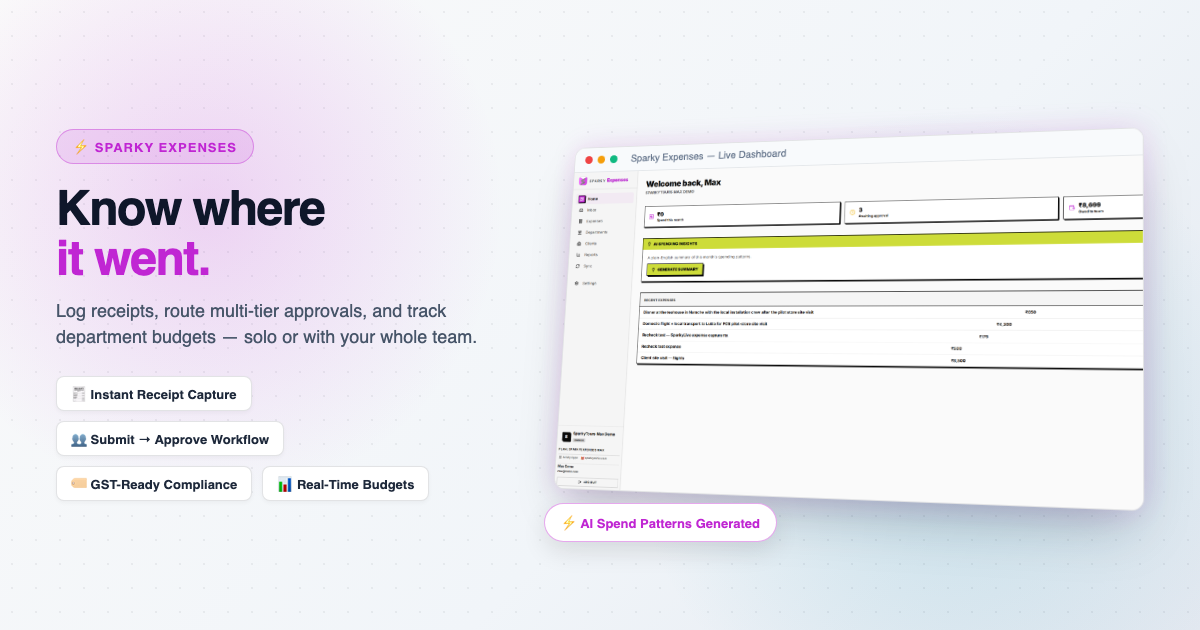
An expense tracker has two jobs that rarely sit in the same app. One person wants to log a lunch and forget it. A team wants someone to approve the lunch. SparkyExpenses does both with the same table.
One person or a team
A solo user logs an expense once, with a category, an amount and an optional receipt, and that is it. A team submits, a manager approves or rejects with a note when something needs fixing, and the expense moves to reimbursed. You can group expenses by department and set a monthly budget cap for each (on the Max plan).
Log an expense in whatever currency it was spent in. Reports still roll everything up to your organization's base currency, so a trip across three countries does not need a spreadsheet to add up.
Billable spend goes to the invoice
Tag an expense as billable to a client. When it is time to invoice, SparkyInvoices pulls it in as a ready-made line item and marks it billed at the source. Nothing gets billed twice, and nobody retypes a receipt.
Picture a small agency that buys a flight and a venue on a client's behalf. Both are tagged to the client when they are logged. At month end they appear on the draft invoice already.
Capturing on the go
SparkyLive is the quick way in. Take a photo of the receipt, type the amount, and it lands in your own SparkyExpenses. There is also an AI summary of this month's spending compared with last month, written in plain English.
Receipts stay in the app. Approving and reimbursing always stay with a person. We keep our own company's expenses in SparkyExpenses.
Several things are free on every plan, including logging and categorizing expenses, receipt capture, billable tagging, multi-currency and a built-in inbox.
Everyone starts on the free Lite plan, no card needed. Paid plans upgrade a whole suite on one subscription, so you manage it in one place. What each plan includes is on the pricing page.
See the list on the SparkyExpenses features page.
This post is part of our launch series, one Sparky product at a time. The rest of the series is on the newsletter page.
