
SparkyProjects is open: track the work, bill the hours
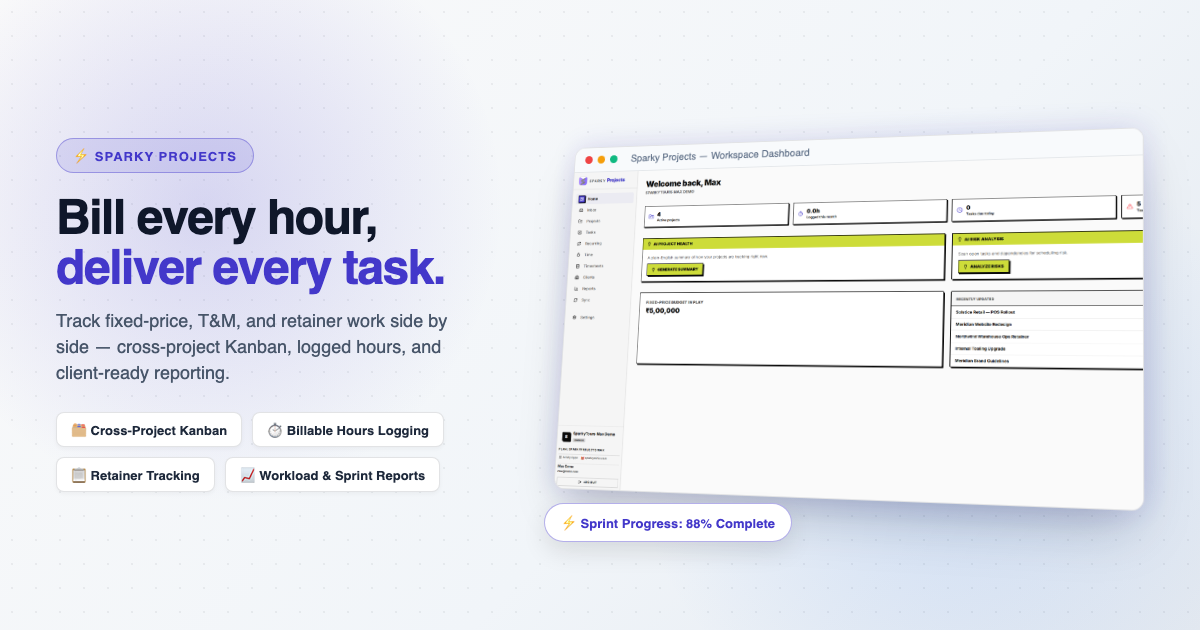
Project software usually forces a choice: it is built for engineers, or for agencies, or for people who bill by the hour. SparkyProjects is built around the fact that the same person often does all three.
A project can be billed four ways
Each project is fixed-price, time and material, retainer, or purely internal, in whatever currency your client pays in. Fixed-price tracks a budget. Time and material and retainer track an hourly rate or a monthly allowance of hours. Milestones are dated checkpoints with no assignee, such as a contract sign-off or a launch date.
Tasks and time
Tasks live on a kanban board with statuses you can change, priority, and an estimate field that works in story points for an agile team or hours and days for a waterfall one. A task can be blocked by another. Sprints or phases group tasks into time-boxed windows, and a timeline view puts task due dates, sprint windows and milestones on one page.
You can log time three ways: type it in, start and stop a timer, or run a Pomodoro session. Weekly timesheets go to a manager for approval.
Hours that become an invoice
Picture a consultant with two clients. One is on a retainer of 20 hours a month, the other is time and material. She logs time against tasks through the month. A utilization report shows how much of the retainer is used. When she invoices, SparkyInvoices pulls the unbilled hours straight in as line items and marks them billed, so the same hours cannot appear twice.
We run our own company's projects in SparkyProjects. It can also pull its clients from SparkyContacts. If you only need task tracking, it works alone.
Reports and a plain-English check
Reports cover workload by teammate, sprint or phase completion, retainer utilization and budget tracking. An AI digest summarises how your projects are going, with the number of overdue tasks and how fast the budget is burning, and a Max feature scans open tasks and dependencies for scheduling risk. You can read your own projects, tasks and time from scripts or dashboards too, signed in with OAuth. Nothing can be changed from outside.
Everyone starts on the free Lite plan, no card needed. Paid plans upgrade a whole suite on one subscription, so you manage it in one place. What each plan includes is on the pricing page.
See the list on the SparkyProjects features page.
This post is part of our launch series, one Sparky product at a time. The rest of the series is on the newsletter page.
